Voice privacy at a glance
| Your voice recording | Stays in your browser. We never receive it |
|---|---|
| The cloned voice | Stored in your browser only |
| Your scripts and audio | Made and stored in your browser, not uploaded |
| What we store | Account email, password hash, subscription status, simple usage numbers |
| Device details | Browser, system, cores, memory and graphics-card maker, kept with your account |
| Cookies | A sign-in cookie and a security cookie. No advertising cookies |
Where your voice lives
Think about what happens in a typical online voice cloner. You record a sample, the site uploads it, a server builds the clone and the server keeps it. You are trusting that company with a recording of your voice.
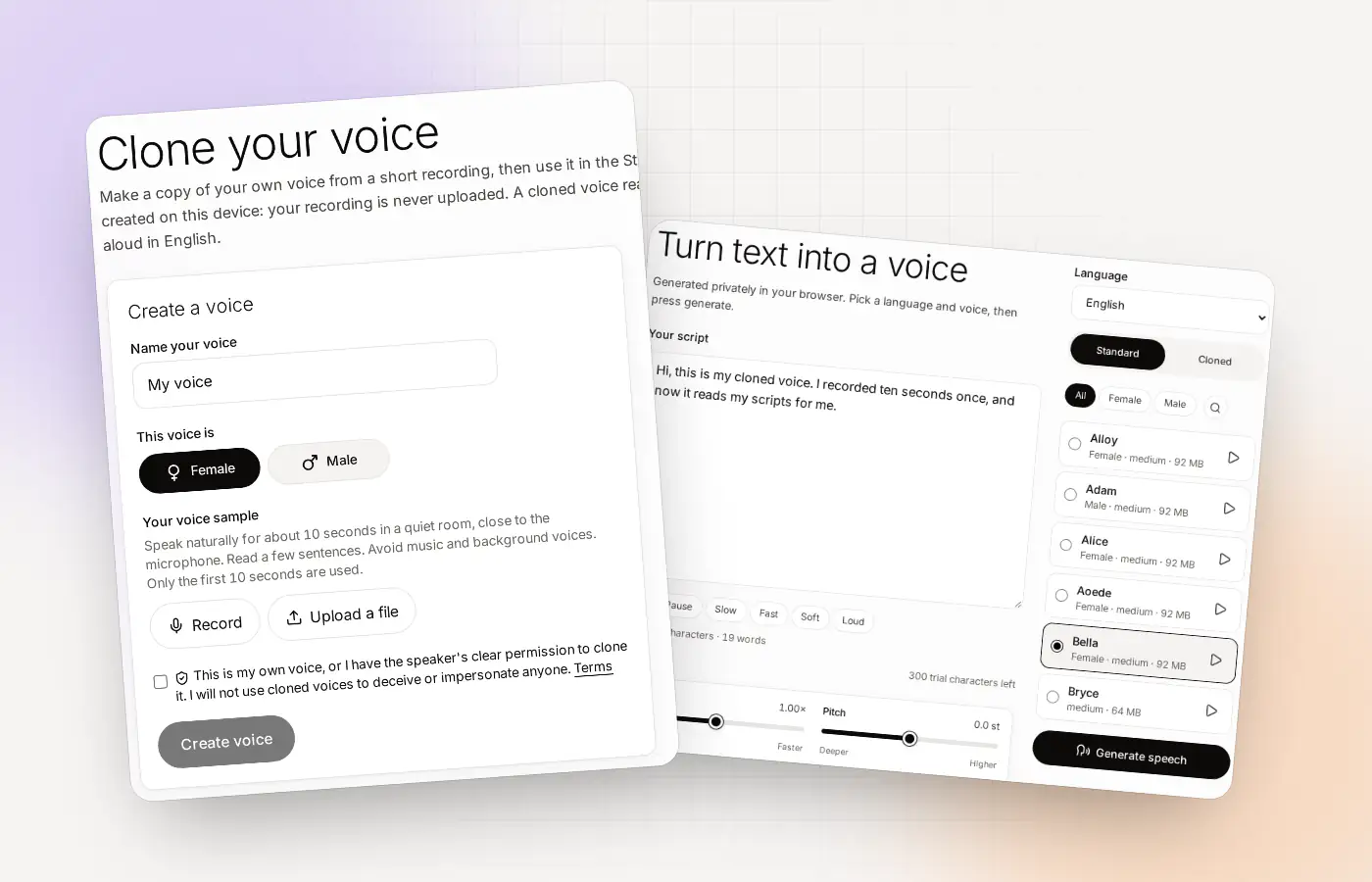
Clonylab skips the upload. The voice model runs inside your browser, on your graphics card when it passes a quick test and on your processor when it doesn’t. The clone is built there, and it is saved there. The Privacy policy says it in one line: if you clone a voice, the recording and the voice made from it are stored only in your browser, and we never receive them.
| Step | Where it happens | Does it reach our servers? |
|---|---|---|
| You record or upload a sample | In your browser | No |
| The clone is built | In your browser | No |
| The cloned voice is saved | In your browser storage | No |
| You write a script and generate speech | In your browser | Text and audio: no |
| Your history and MP3 files | In your browser | No |
What Clonylab does store
Private does not mean we know nothing about you. You have an account, so we keep some things. Here is the full list, in plain words.
- Your account. Your email and a password hash (not your password).
- Your plan. Whether you are on Trial, Pro or Team, from our payment provider.
- Simple usage numbers. For each voice-over: the voice, the language, how many characters, how long the audio is, and whether your graphics card or processor was used. This feeds your Usage page. The text itself is not in it.
- Your device details. When you are signed in: browser and system, processor cores, memory, the graphics-card maker and design (never a serial number), and whether the graphics-card test passed. We use this to find out why something does not work on a device.
- Support chats, if you write to us. Only what you send. Never your scripts, audio or recordings.
How you can check it yourself
A privacy claim is worth more when you can test it. You do not need to be a developer. Your browser can show you what a page sends.
Open your browser’s developer tools
In Chrome or Edge, press F12, then open the Network tab. Clear the list.
Make a clone or generate speech
Record a sample, create the voice, or press Generate speech in the Studio. Watch the Network list while it works.
Look at what leaves your browser
You will see requests for the page’s own files and the voice model files coming in. You should not see your recording or your script going out to Clonylab. If you ever do, please tell us.
The model files are the large downloads on first use. They come down to your browser once, and your browser keeps them.
One thing that changes the picture: the AI connection
Pro and Team include an optional connection that lets an AI app you choose, such as Claude or Cursor, send commands to your open Clonylab tab. This one needs a clear word. If you use it, the commands, including any text the AI asks to be spoken, pass through our server to your browser. We do not store them. The audio is still made in your browser. The AI app you connect has its own privacy terms.
If you never switch it on, none of this applies. You can switch the connection off or delete its access at any time.
What “private” does not protect you from
A few honest limits, so you are not surprised.
- Your own computer. Your clone lives in your browser. Someone with access to your signed-in browser can use it. Lock your computer.
- Clearing your browser data. It removes your cloned voices and history. Keep your original recording.
- What you do with the audio. Once you download or share a voice-over, it is as public as you make it. The Terms ask you not to use a cloned voice to impersonate or deceive anyone.
Consent keeps cloning safe for other people too
Privacy is also about the people whose voices get cloned. Before every clone, Clonylab asks you to confirm that the voice is your own, or that you have the speaker’s clear permission. The Terms forbid using a cloned voice to impersonate anyone, to deceive people or to pass generated speech off as a real recording of a real person. Read how the whole flow works on the voice clone online page.
A privacy checklist for your own setup
Clonylab keeps your voice in your browser. A few small habits keep it safe there too.
- Use a screen lock. Your clone lives in your signed-in browser.
- Sign out on shared computers. Use the sign-out button, and clear your site data afterwards.
- Keep your original recording safe. Store it where only you can reach it.
- Use a strong, unique password. The account holds your plan and your device details.
- Check what you connect. If you use the AI connection, you choose which AI app can send commands, and you can delete its access.
Privacy when you work for clients
If you make voice-overs for other people, their scripts may be sensitive. Here is how Clonylab handles that, in a form you can pass on.
| Question a client may ask | Answer |
|---|---|
| Does the script leave your computer? | No. Scripts are processed and stored in the browser and are not uploaded to Clonylab’s servers |
| Who can read the finished audio? | You. It is saved in your browser’s History |
| Is the voice reused for other people? | A cloned voice is stored in your browser only, and we never receive it |
| What does Clonylab know about the job? | Simple usage numbers: voice, language, characters, audio length. Not the text |
| What if we use the AI connection? | Commands, including any text the AI asks to be spoken, pass through our server to your browser and are not stored |
For client work, also see text to speech for commercial use.
What we do not do
- We do not receive your recording or your cloned voice.
- We do not store your scripts or your audio.
- We do not use advertising cookies. We use a sign-in cookie and a security cookie, both strictly necessary.
- We do not store the text an AI app asks to be spoken when you use the AI connection.
Read the Privacy policy for the exact wording. If anything here does not match what you see, tell us.
Where to go next
- Make a clone on the voice clone online page.
- Read the policy on the Privacy policy page.
- Ask us on the contact page.
Questions about voice cloning and privacy
Is my voice recording uploaded to Clonylab?
No. The clone is made in your browser. The recording and the voice made from it are stored only in your browser, and we never receive them.
Where is my cloned voice stored?
In your browser’s storage in your browser. It is not kept on our servers.
What personal data does Clonylab keep?
Your account email and a password hash, your subscription status, simple usage numbers per voice-over (voice, language, characters, audio length, graphics card or processor), and device details such as browser, system and graphics-card maker. The Privacy policy has the full list.
Does Clonylab read my scripts?
No. Your scripts, generated audio and history are processed and stored in your browser only. They are not uploaded to our servers.
Does the AI connection upload my text?
If you switch it on, the commands and any text the AI asks to be spoken pass through our server to your browser. They are not stored by us, and the audio is still made in your browser.
Can I delete my data?
Yes. You can clear your history in the Studio and delete your account from the account page. Deleting the account deletes your device details and support chats too.
How do I know nothing is uploaded?
Open your browser’s developer tools, go to the Network tab and make a clone or a voice-over. You should see the voice files coming down and nothing carrying your recording or script going up to Clonylab.
Clone your voice privately
Record about 10 seconds and make your clone without uploading anything. Free to start, no card needed.
Sources and further reading
- Storage API (MDN Web Docs) · How a browser keeps data for a site on your own computer.
- WebAssembly (MDN Web Docs) · How a browser runs a model on your own processor.
Written and checked by the Clonylab team. Last updated . The screenshots were taken from the Clonylab app on that date. Read how we work on the About page, or contact us if something on this page is wrong. See also the Terms, Privacy policy and Voice licences.