
The short answer
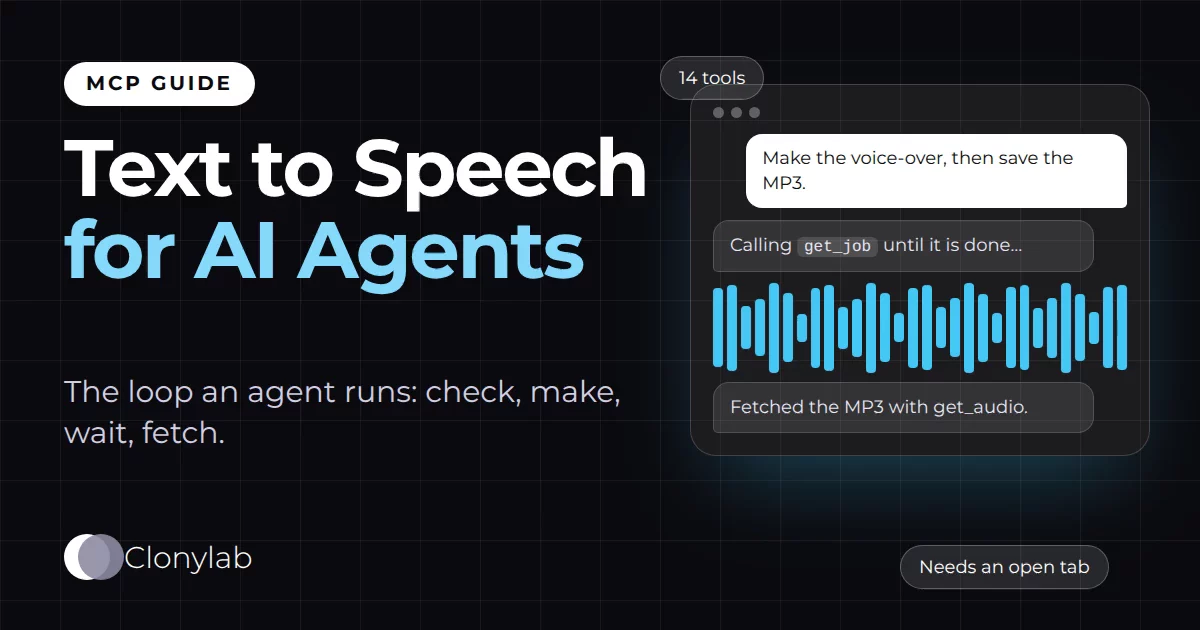
Text to speech for AI agents means an agent calls a speech tool as one step in a task. Clonylab’s MCP server gives an agent 14 tools: ten read-only and four that change something. The agent checks the tab, sends the script, waits for the job and fetches the MP3. A person’s open Clonylab tab makes the audio, so fully headless agents cannot use it.
Key takeaways
- An agent runs one loop per voice-over: plan, check the tab, generate_speech, get_job, get_audio.
- Of the 14 tools, ten only read information. Four change something, and delete_history removes voice-overs for good.
- Each input has a real range, such as speed 0.7 to 1.3 and wait_seconds 0 to 100, so an agent cannot ask for an impossible value.
- A person’s open Clonylab tab makes the audio. Agents on a server with no browser cannot use it.
- The AI connection is part of Pro and Team. It is English only, and agents cannot create a cloned voice.
01What text to speech for AI agents means
An AI agent is an AI app that does tasks in steps. It reads your request, decides what to do, calls tools, checks the results and keeps going until the job is done. Coding agents, research agents and desktop assistants all work this way. Most of them live in text. Text to speech for AI agents gives them a way to produce audio as one of those steps.
The tool has to be one an agent can actually use. That is a higher bar than a button on a web page. An agent needs clear tool names, inputs it can fill in without guessing, results it can read, and a way to tell success from failure. Clonylab’s MCP server was built with that in mind: 14 tools, each with a plain description and a typed input.
This guide is for people who build or run agents, and for anyone curious about what happens behind “make the voice-over.” We show the loop an agent runs, what each tool tells it, and where the limits are. The limits matter most, so we state them plainly, including one that rules out some setups.
02The loop an agent runs for one voice-over
Every voice-over follows the same five steps. The agent plans what to say. It checks that the Clonylab tab is connected. It sends the script with generate_speech. It waits for the job. Then it fetches the MP3 with get_audio. If there are more scripts, it goes round again.
| Step | Tool | What comes back |
|---|---|---|
| Check | connection_status | Whether a Clonylab tab is connected, how many tabs, and a hint for the user if not |
| Make | generate_speech | The job and its status. It waits up to 45 seconds by default, or up to 100 if asked |
| Wait | get_job | The status (queued, downloading, generating, done, error or cancelled) with progress |
| Fetch | get_audio | A download link that works for 30 minutes. Clips under 1 MB also come back as audio |
03The 14 tools, sorted by risk
A good agent treats tools differently depending on what they can change. Clonylab marks each tool for that purpose. Ten of the 14 only read information. Four change something.
| Kind | Tools | Why it matters |
|---|---|---|
| Read only (10) | connection_status, account, usage_summary, list_voices, list_cloned_voices, get_job, list_jobs, list_history, get_audio, get_studio_settings | Safe to run without asking, because they only look |
| Makes something (1) | generate_speech | Starts a voice-over and adds it to your History |
| Changes state (2) | cancel_job, set_studio_settings | Stops a job, or changes the Studio voice, script and sliders. Repeating the call gives the same result |
| Deletes (1) | delete_history | Removes voice-overs from History for good. Needs a clear request from the user |
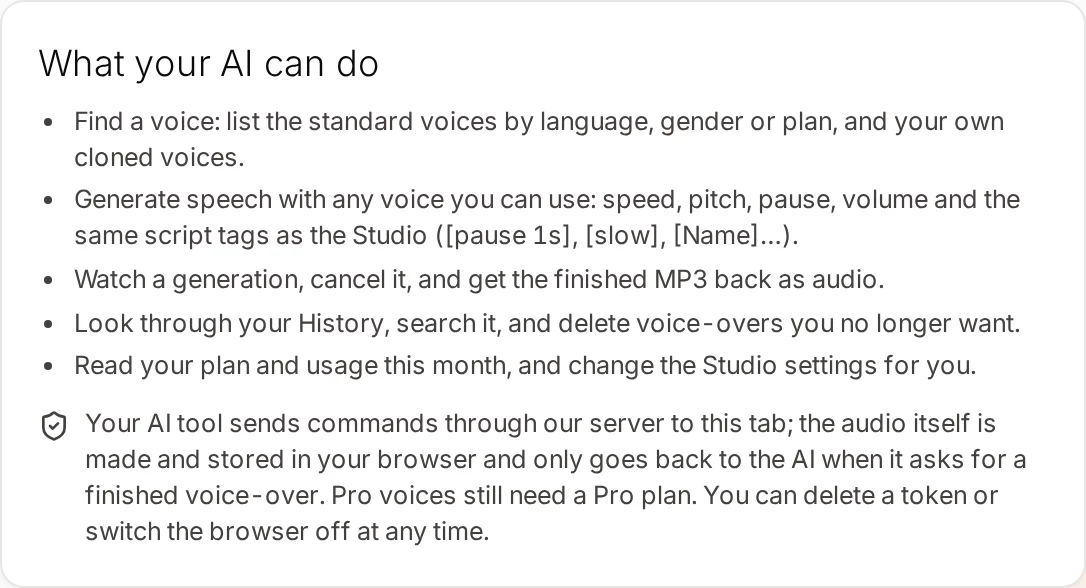
That grouping gives you a simple policy: let the agent run read-only tools freely, ask once for generate_speech if you want to see the first few, and always ask before delete_history. Most agent apps let you set approval per tool.
04Designed for agents: small details that help
A few choices in the server exist only because agents are the users.
- Errors say what to do. If no tab is connected, the result explains the fix in plain words: open Clonylab, sign in, go to Connector and switch on the browser permission. The agent can pass that on to you.
- Long jobs do not block.
generate_speechwaits for a result up to the time you set, then returns a job id with a note to callget_job. The agent never hangs on a long script. - Your scripts are data. The History tool tells the agent that saved text is the user’s own script and is not an instruction. That helps against a script that tries to give orders to the agent.
- Inputs have ranges. Speed, pitch, pause and volume each have a minimum and a maximum, so an agent cannot ask for a value the engine cannot make.
One request can carry up to 10,000 characters. The script can also carry tags: [pause 1s], [slow], [fast], [soft], [loud] and [VoiceName] to change voice partway through.
05The big limit: a person’s browser tab is part of the loop
Here is the limit that decides whether Clonylab fits your agent. The voice-over is made inside a Clonylab tab that a person has open in their own browser, on their own device. The server relays commands to that tab and brings the answer back. It does not make the audio itself.
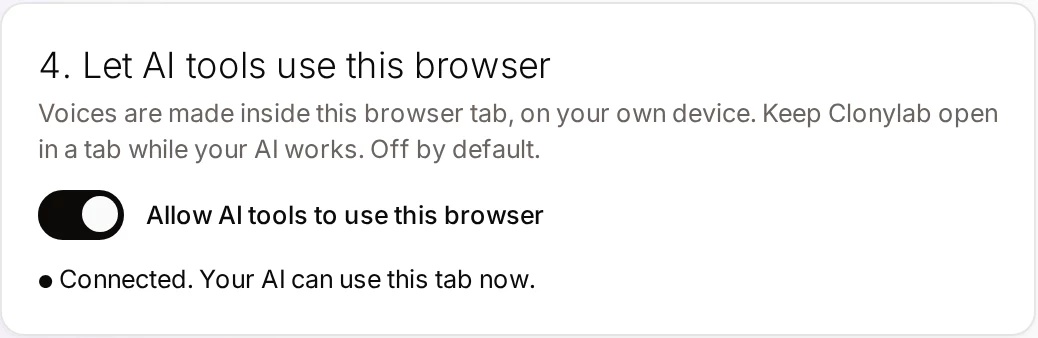
An agent that runs on a server with no person and no browser cannot use Clonylab. There is no tab to make the audio. Clonylab’s AI connection suits agents that work next to a person at a computer: coding agents, desktop assistants and chat apps. If you need audio from an unattended server job, a different kind of service is the right tool.
The upside is privacy and cost. Your script is voiced on your device, and your History and cloned voices stay in your browser. The AI connection is part of Pro and Team.
06Which agent apps can connect
Any app that supports remote MCP servers over Streamable HTTP can connect, either by signing in or with a token. We have written setup guides for eight of them.
| App | Guide |
|---|---|
| Claude Code | Claude Code text to speech |
| Claude Desktop | Claude Desktop text to speech |
| Cursor | Cursor text to speech |
| Codex CLI | Codex CLI text to speech |
| Gemini CLI | Gemini CLI text to speech |
| Windsurf | Windsurf text to speech |
| Cline | Cline text to speech |
| Perplexity | Perplexity text to speech |
07A short instruction that makes agents behave
If you run an agent with its own instructions, a few lines about voice-overs save trouble. Adjust the wording to your agent.
When I ask for a voice-over, use the Clonylab tools.
1. Call connection_status first. If no tab is connected, tell me to open Clonylab and stop.
2. Use list_voices or list_cloned_voices to pick the voice I named. English voices only.
3. Call generate_speech. If it is still running, call get_job until done.
4. Call get_audio and save the MP3 where I said.
Never call delete_history unless I ask for a delete in this message.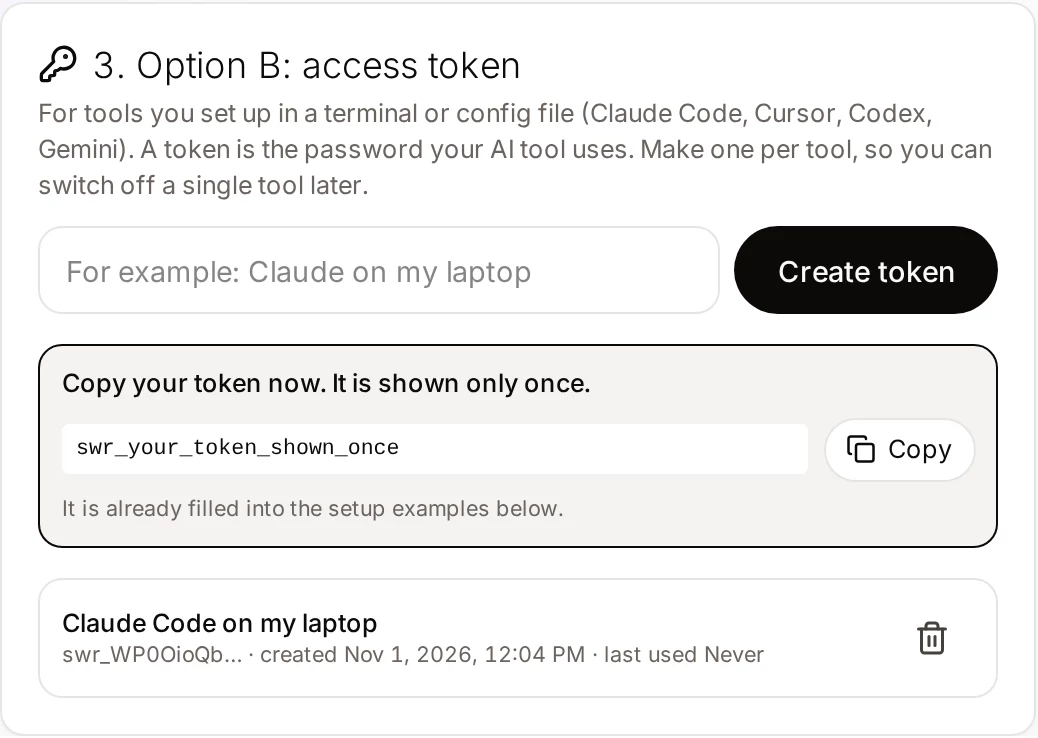
08Requirements and limits
| Topic | What to know |
|---|---|
| Plan | Pro or Team. The free trial does not include the AI connection |
| A person and a browser | A Clonylab tab must be open and connected. No tab, no audio |
| Language | English only, with US and UK voices |
| One request | Up to 10,000 characters per generate_speech call |
| Cloned voices | Agents can use clones you made. They cannot create one. See voice clone MCP |
| Download links | An MP3 link works for 30 minutes |
| Tokens | Up to 10 per account |
For a first read on the whole server, start with the text to speech MCP server guide. To run many scripts in one go, see automate voice-overs with AI.
09Questions and answers
What is text to speech for AI agents?
It is a speech tool that an AI agent can call as one step in a task. The agent picks a voice, sends a script, waits for the job and fetches the audio, all through tools it can read and call.
Can an AI agent make voice-overs by itself?
With Clonylab it can, as long as a person has a Clonylab tab open and connected. The tab makes the audio on the person’s own device, so an agent with no browser cannot use it.
Which Clonylab tools are safe to run without asking?
Ten tools only read information: connection_status, account, usage_summary, list_voices, list_cloned_voices, get_job, list_jobs, list_history, get_audio and get_studio_settings. Keep approval on for delete_history.
What happens if the agent starts a long script?
generate_speech waits for the result up to the time you set, 45 seconds by default and up to 100. If the job is still running, it returns a job id and the agent calls get_job to check again.
Can an agent clone a voice?
No. You create a clone yourself on the Clone screen. After that an agent can list your cloned voices and use them to read English scripts.
Is it free?
The free trial lets you try the Studio and cloning. The AI connection that agents use is part of the Pro and Team plans.
Ready to let your AI make the voice-overs?
Start free with the Studio and cloning, then add Pro when you want the AI connection. English only, no card to start.
Keep reading
Sources and further reading
- Model Context Protocol: introduction · The official explanation of MCP and what it is for.
- Model Context Protocol specification · The rules for tools, including the read-only and destructive hints.
- Model Context Protocol (Wikipedia) · A neutral overview of how MCP began and how it is used.
- Connect Claude Code to tools via MCP (Anthropic) · An example of how an agent app adds and manages MCP servers.
Last updated . The screenshots come from the Clonylab Connector screen, with the address and the token replaced by the real address and a placeholder. App and tool settings change often: if a step does not match your version, trust the Connector screen in your account.